How Long Does an Apple Watch Take to Charge From Dead?
Introduction
Charging your Apple Watch effectively is essential for seamless daily usage. Knowing the charging time for models like the Apple Watch Series 6, 7, 8, 9, and the Ultra helps plan your day efficiently. In this comprehensive guide, we explore the specific charging durations, influential factors, and practical tips to optimize your smartwatch’s performance.
Understanding Apple Watch Battery and Charging Basics
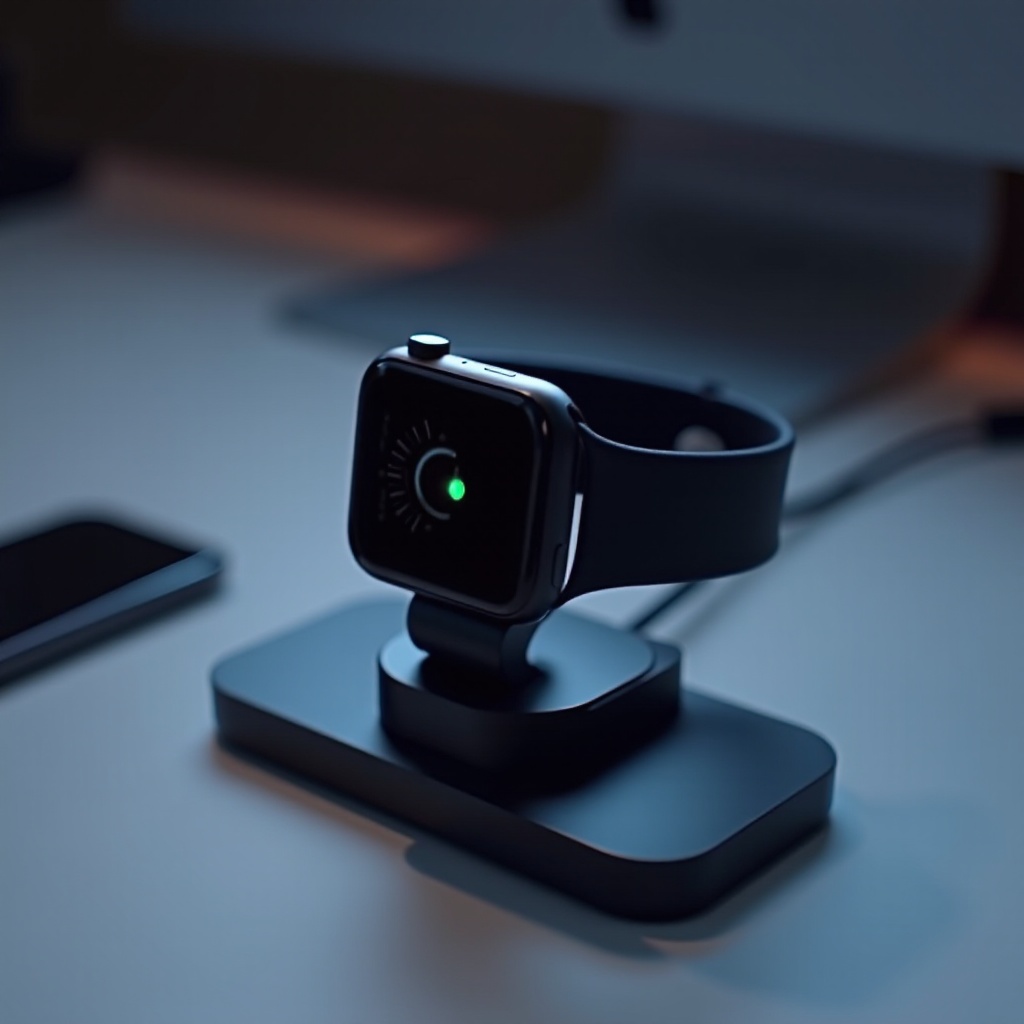
The heart of any Apple Watch is its lithium-ion battery, designed for compact power efficiency. These batteries undergo charging in phases and have particular discharge cycles, influencing their charge time and health. Utilizing Apple magnetic charging cables or certified alternatives is crucial for maintaining optimal charging speeds and efficiency. Grasping these fundamentals is key to appreciating the specifics of each model’s charging requirements.
Charging Times for Current Apple Watch Models (2024 and Beyond)
Examining charging times across different Apple Watch models reveals technological advancements aimed at improving efficiency. For example:
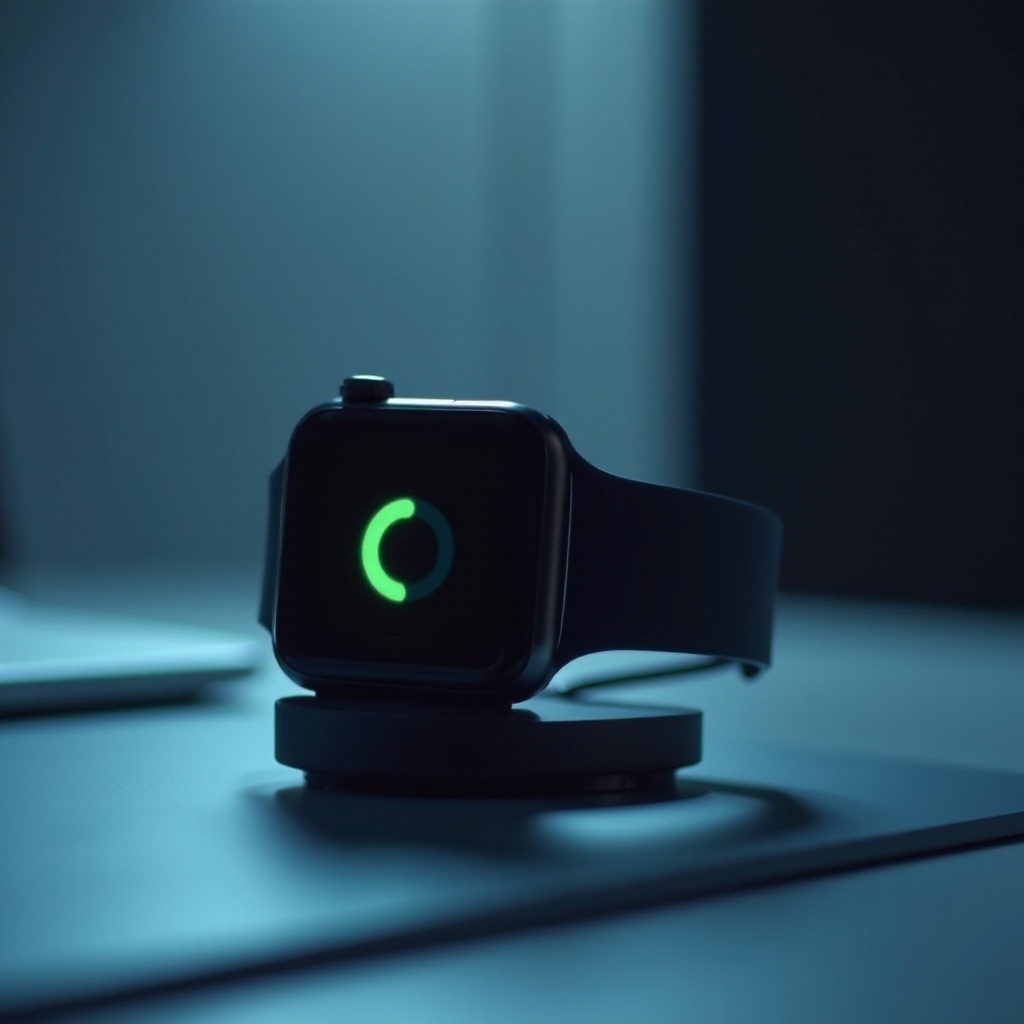
– Apple Watch Series 6 and 7 generally require about 1.5 to 2 hours to reach 80% charge, and up to 2.5 hours for a full charge.
– Apple Watch Series 8 and 9 benefit from enhanced battery technology, needing approximately 1 hour for an 80% charge and 1.5 hours for full capacity.
– The Apple Watch Ultra, designed with a larger battery for more demanding use, typically charges to 80% in about 2 hours and fully in about 3 hours.
These times can fluctuate depending on various conditions, which leads us to explore those influences further.
Factors Affecting Charging Speed
Several elements affect how quickly your Apple Watch charges. Recognizing and managing these can improve efficiency:
– Charger Type and Power Source: Faster charging occurs with a higher wattage power source. Use official Apple chargers or those certified as ‘MFi’ for best results.
– Environmental Conditions: Extreme temperatures can slow charging. A moderate climate ensures optimal charging speed.
– Software Adjustments: Keeping WatchOS updated ensures you get all battery efficiency improvements. Background features may also need adjustment to enhance charge speeds.
Understanding these factors provides a solid foundation for moving into practical strategies for optimizing charging.
Tips for Optimizing Apple Watch Charging Efficiency
Streamlining the charging process involves a mix of technology use and smart habits:
– Quick Charging Practices: Use certified chargers, maintain a cool charging environment, and avoid overnight charging to prevent overcharging.
– Battery Health Maintenance: Regularly charge between 20%-80%, avoiding frequent charges from 0%, and use battery conservation features where available.
– Useful Accessories: Consider high-quality power banks for mobile efficiency and employ a dock to sustain steady power without overheating.
These strategies help ensure your Apple Watch stays operational when you need it most, reducing downtime efficiently.

Troubleshooting Common Charging Issues
Charging issues can still arise despite best efforts. Here’s how to deal with them effectively:
– Non-Charging Apple Watch: Confirm secure connections, clear debris from charging contacts, and restart the device if unresponsive.
– Solutions for Slow Charging: Switch outlets, try a different adapter, and ensure background apps aren’t draining power needlessly.
– Persistent Problems: If issues continue, resetting settings or consulting Apple Support might be necessary for a hardware evaluation.
With these troubleshooting methods, you can keep your Apple Watch charging smoothly and reliably.
Conclusion
Effectively managing your Apple Watch’s charging involves not just plugging it in. Understanding charge times, influential factors, and employing efficient strategies guarantee your device is always ready for your daily tasks without interruptions.
Frequently Asked Questions
Can I use my Apple Watch while it is charging?
Yes, using your Apple Watch while it charges is possible, but it will slightly increase the total charging time.
How can I extend my Apple Watch’s battery life?
Keep software updated, activate battery-saving settings, and avoid constant full discharges to extend battery life.
What should I do if my Apple Watch charges slowly?
Try using different charging accessories, check background app usage, and ensure the charging environment is not too hot or cold.