How to Charge Your Bose Speaker: A Comprehensive Guide
Introduction
Charging your Bose speaker efficiently is essential for maintaining its performance and extending its lifespan. Mistakes in charging can lead to shortened battery life or even damage to the device. This guide covers everything you need to know about charging your Bose speaker correctly, addresses common charging issues, and provides you with best practices for optimal performance.
Understanding Your Bose Speaker’s Charging Requirements
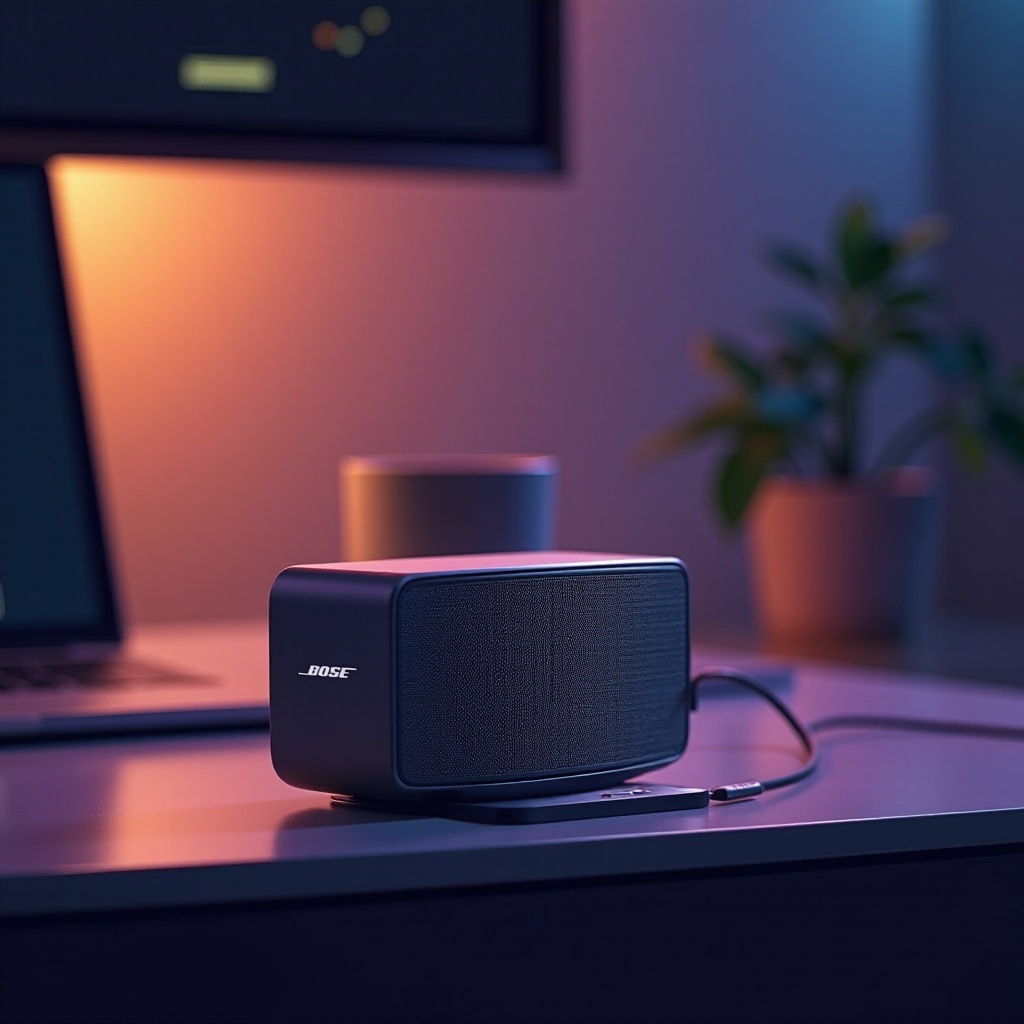
Bose produces a variety of speakers, including portable models like the SoundLink series and more stationary options like the Bose Home Speaker. Each model has distinct power needs. Understanding these needs ensures efficiency and a longer lifespan for your speaker.
Different Bose Speaker Models and Their Power Needs
Bose speakers require specific charging methods depending on the model:
– Portable Speakers: Often use USB-C or micro USB charging.
– Stationary Speakers: Typically need a proprietary power adapter.
By identifying your model and its requirements, you can protect against potential charging mishaps.
Why Proper Charging is Crucial for Longevity
The way you charge your speaker affects its battery health over time. Missteps such as using incompatible chargers or frequently overcharging can degrade the battery. A comprehensive understanding of these practices helps you maintain your speaker’s performance and ensure it serves you well for years to come.
Step-by-Step Guide to Charging Your Bose Speaker
Armed with knowledge about your model’s needs, let’s move on to the practical steps of charging your Bose speaker correctly.
Using the Standard Charger
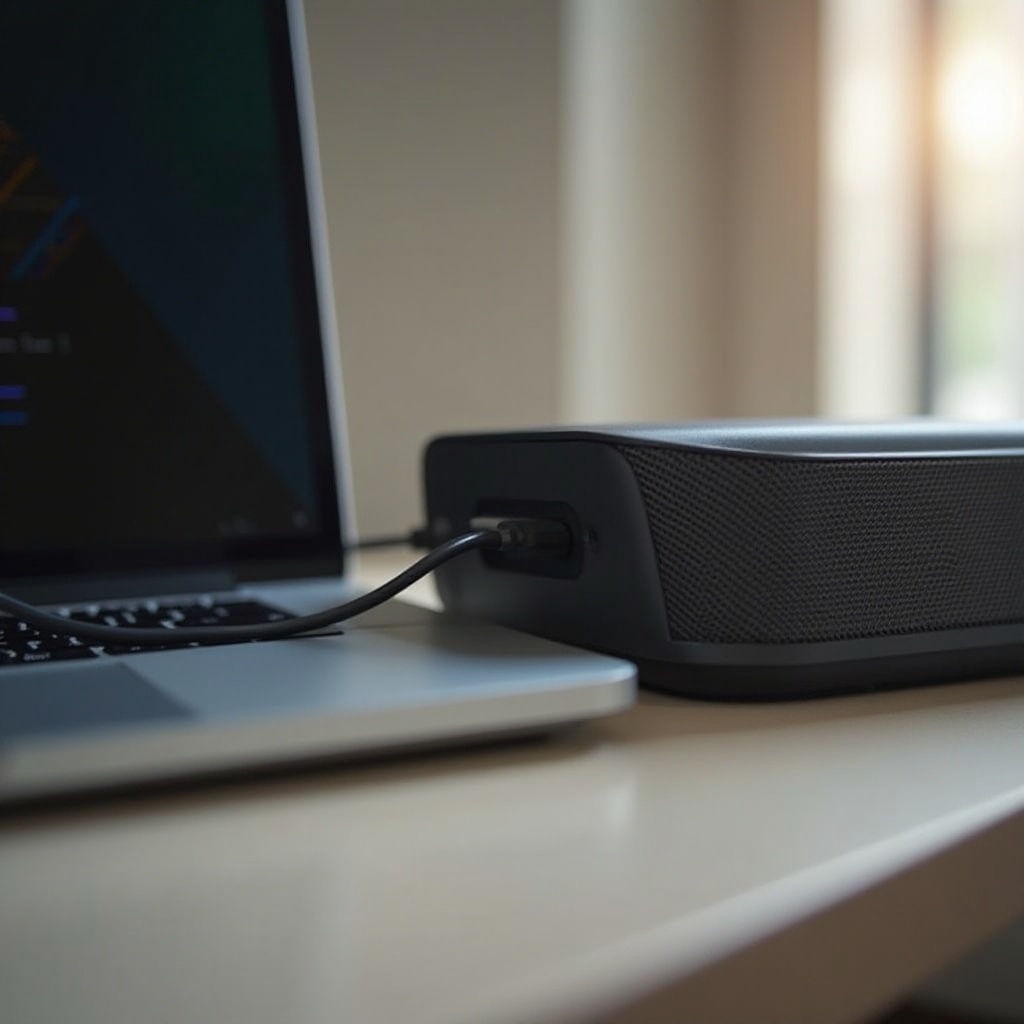
- Locate the Charging Port: It’s usually on the back or bottom of the speaker.
- Connect the Charger: Use the official charger to avoid compatibility issues.
- Plug into a Power Source: Ensure the power source voltage matches the speaker’s requirements.
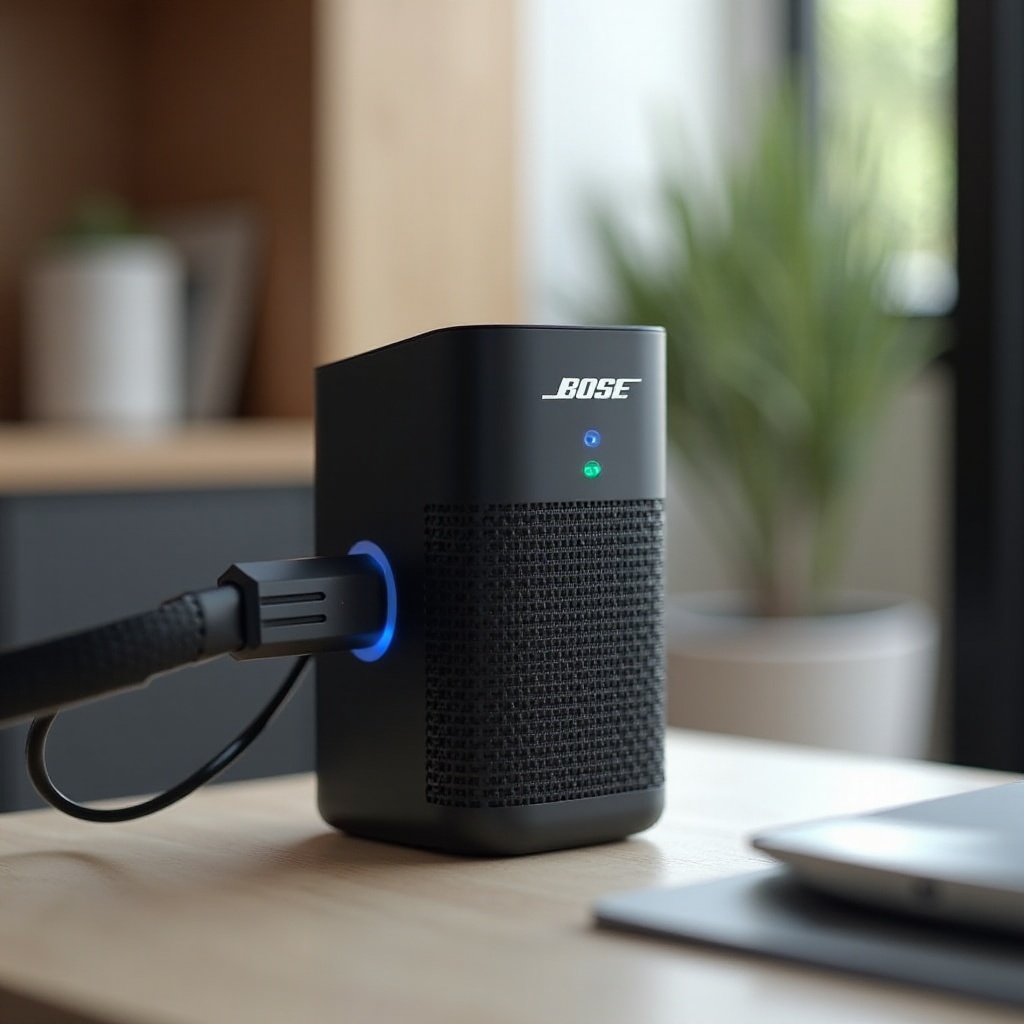
- Verify Indicator Lights: A steady or blinking light confirms the charging process is underway.
Charging via USB-C: Pros and Cons
- Pros: Faster charging times and widespread compatibility make USB-C a convenient option.
- Cons: Not all Bose models support USB-C charging, and not all third-party cables are reliable.
Exploring Wireless Charging Options
While wireless charging isn’t standard across all Bose models, some modern models offer this convenience with the right accessories. It provides a cable-free experience and can be an attractive option if you’re looking for ease of use.
Troubleshooting Common Charging Issues
Charging issues can impede your listening experience. Understanding how to identify and troubleshoot them quickly is crucial.
Speaker Not Charging: Quick Fixes
- Ensure Secure Connections: Check that all cables and ports are clean and firmly connected.
- Try Alternative Cables/Chargers: A broken cable or faulty charger might be the problem.
- Restart the Speaker: Rebooting the device can sometimes resolve charging issues.
Handling a Fast Draining Battery
- Look for Software Updates: Ensure your speaker’s firmware is the latest version.
- Limit Non-Essential Features: Disable extras like Bluetooth if they’re not needed.
Checking Charger and Cable Integrity
It’s beneficial to routinely inspect the condition of your charging equipment. Look for frays or damages on cables and replace any compromised items promptly.
Best Practices for Prolonging Battery Life
Maintaining your speaker’s battery health ensures long-lasting and reliable performance.
Optimal Charging Habits
- Avoid Full Discharge: Charge the speaker when it’s partially drained instead of waiting until the battery is completely empty.
- Unplug After Charging: Remove the charger once the device is fully charged to prevent overcharging.
Storage and Maintenance Tips
- Store in Cool, Dry Places: Avoid extreme temperatures and direct sunlight.
- Use Regularly: Keep the battery active by regularly using your speaker.
Accessory Recommendations for Efficient Charging
Well-chosen accessories can enhance your charging experience, ensuring efficiency and safety.
Choosing the Best Chargers and Cables
Investing in high-quality chargers and cables ensures your speaker charges safely and efficiently. Consider established brands with positive reviews for reliability.
Compatible Power Banks for Bose Speakers
Using a power bank can be convenient for charging on the go. Ensure it meets the speaker’s voltage and current needs for optimal safety and performance.
Conclusion
The way you charge your Bose speaker has a significant impact on its performance and lifespan. By following proper charging practices and using quality accessories, you ensure your device remains in top condition, providing you with the ultimate audio experience.
Frequently Asked Questions
How long does it take to fully charge a Bose speaker?
Typically, it takes about 3-4 hours, depending on the model and power source.
Can I use my phone charger to charge a Bose speaker?
You can if the output matches the speaker’s input requirements.
What should I do if my Bose speaker won’t hold a charge?
Try another charger and cable. If persistent, consider a battery replacement or contact Bose support.