iPhone and LTE: What Does LTE Mean and How It Enhances Your Experience
Introduction
Long Term Evolution, commonly known as LTE, plays a crucial role in ensuring fast and reliable mobile connectivity for iPhones. As digital communication becomes more integral in our daily lives, understanding how LTE enhances iPhone performance is essential. This article sheds light on LTE’s functionality, its impact on iPhone users, and how it fits into the broader landscape of mobile technology.
Understanding LTE
What is LTE?
LTE, which stands for Long Term Evolution, is a standard for high-speed wireless communication for mobile devices and data terminals. Compared to previous technologies like 3G, LTE provides significantly faster data download and upload speeds. This advancement facilitates smoother streaming, quicker browsing, and more stable video calls, fundamentally transforming how users experience mobile internet.
The Evolution of Mobile Networks
Over the years, mobile networks have evolved from basic 2G and 3G to the more sophisticated LTE. While earlier networks offered basic connectivity, LTE supports the growing demand for high-speed data, driven by video streaming, cloud services, and more. Understanding this evolution highlights LTE’s role as a bridge between traditional networks and future advancements like 5G, promising even greater capabilities.
How LTE Works on iPhones
The way LTE operates on iPhones is crucial for consumers looking to leverage their devices for maximum performance. Knowing which models support LTE and how to verify its connection boosts user experience.
LTE Compatibility with iPhone Models
Most modern iPhones, starting from the iPhone 5, are equipped with LTE capabilities. This feature is integral for users to harness the full power of their devices. To confirm LTE compatibility, users can simply navigate through the settings menu and check under network preferences if LTE is enabled.
Checking LTE Signal on Your iPhone
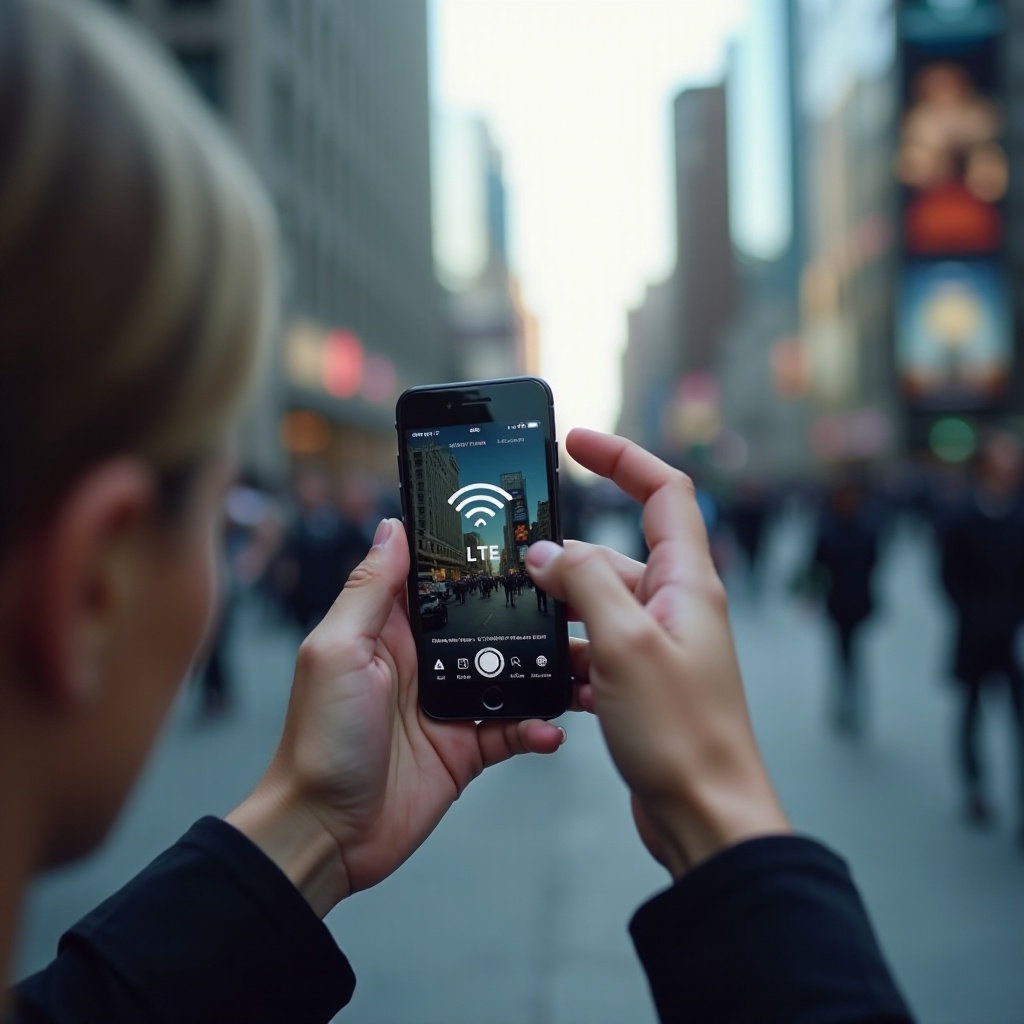
Your device shows the LTE signal strength on the screen, indicative of your network quality. When viewing settings, access Cellular > Cellular Data Options to ensure LTE is activated, ensuring you enjoy seamless browsing and communication.
Benefits of LTE for iPhone Users
LTE transforms the way iPhone users engage with their devices by providing several key benefits.
Enhanced Internet Speeds
The most apparent advantage of LTE is its ability to provide significantly faster internet speeds. This improvement enables users to download applications, stream videos, and browse the web with remarkable efficiency. Enhanced speed leads to a more enjoyable and productive user experience, particularly for those reliant on mobile connectivity for work or entertainment.
Improved Streaming and Browsing Experience
With LTE, buffering during video streaming becomes a rare occurrence, and web pages load with greater speed and precision. Its capacity to handle intense data processes ensures that users can enjoy high-definition content without frustrating interruptions, an essential factor for users who depend on mobile media consumption.
Quality of Voice Calls
LTE improves not only data speed but also voice call quality. Known as Voice over LTE (VoLTE), this feature allows better clarity and more reliable connections, enabling multitasking capabilities such as browsing while on a call. This advancement represents a significant improvement in call stability and sound clarity, particularly in areas where traditional network signals might falter.
Optimizing LTE Performance on Your iPhone
To fully benefit from LTE’s capabilities, optimizing performance becomes essential for every user.
Enabling and Disabling LTE
Users can manage their LTE settings by navigating to Settings > Cellular > Cellular Data Options and selecting ‘LTE’ for both voice and data. Users can disable LTE in circumstances where battery life needs to be conserved, striking a balance between speed and power management.
Managing Data Usage with LTE
Because LTE offers high-speed internet, its data consumption is equally high. Monitoring your data through alerts under Cellular > Cellular Data Usage ensures users do not exceed their data limits, preventing unexpected costs while maintaining control over how much data is used daily.
LTE vs. 5G: What’s the Difference?
While LTE offers numerous advantages, understanding its relationship with 5G allows for a more informed perspective on future network advancements.
Performance Comparison
5G is designed to be faster, with lower latency compared to LTE, and supports more devices per square kilometer. However, as 5G infrastructure is still expanding, LTE remains a reliable network choice for many users pending broader 5G accessibility.
Future Trends in Mobile Connectivity
As 5G continues to roll out, LTE maintains its relevance in regions still transitioning. It provides a dependable interim solution until 5G becomes more widespread, ensuring users have continuous access to reliable mobile services.
Common Issues and Troubleshooting LTE on iPhones
Understanding how to address common LTE issues ensures consistent connectivity for iPhone users.
Identifying and Fixing Connectivity Problems
Common LTE-related issues can include poor signal strength or inconsistent internet connection. Simple resolutions such as restarting the device or toggling Airplane Mode can often quickly restore full connectivity. Additionally, regularly updating carrier settings found in Settings > General > About is vital for maintaining optimal network performance.
Tips for Maintaining a Stable LTE Connection
Maintaining a stable LTE connection involves reducing obstacles that might block signals and keeping the iPhone updated. Regular software updates usually include network performance improvements, which are crucial for sustaining robust LTE connectivity.
Conclusion
LTE has reshaped iPhone users’ experiences by providing faster and more dependable wireless communication. By understanding its benefits and how to maximize its use, users can enhance their mobile activities meaningfully. As networks evolve, staying informed about changes ensures that users are not only prepared but also capable of leveraging outstanding network technology to its fullest.
Frequently Asked Questions
How do I know if my iPhone is using LTE?
Check for the LTE icon in the top-right corner of your screen. Verify by navigating to Settings > Cellular > Cellular Data Options to ensure LTE is enabled.
Can using LTE drain my iPhone battery faster?
Yes, LTE can drain your battery faster due to increased data processing. Manage battery life by disabling LTE when high speeds are unnecessary.
Will LTE still be relevant after the widespread adoption of 5G?
LTE will remain relevant as 5G rolls out, serving as a reliable fallback in areas without 5G coverage. It ensures connectivity until the 5G network fully matures.