How to Back Up Your SIM Card Data: A Comprehensive Guide
Introduction
Backing up your SIM card data is crucial to safeguarding critical information such as contacts and messages. Many overlook this crucial task, only to face regrets when a device malfunctions or is lost. This guide breaks down the backup process, ensuring your SIM card data is secure and easily recoverable.
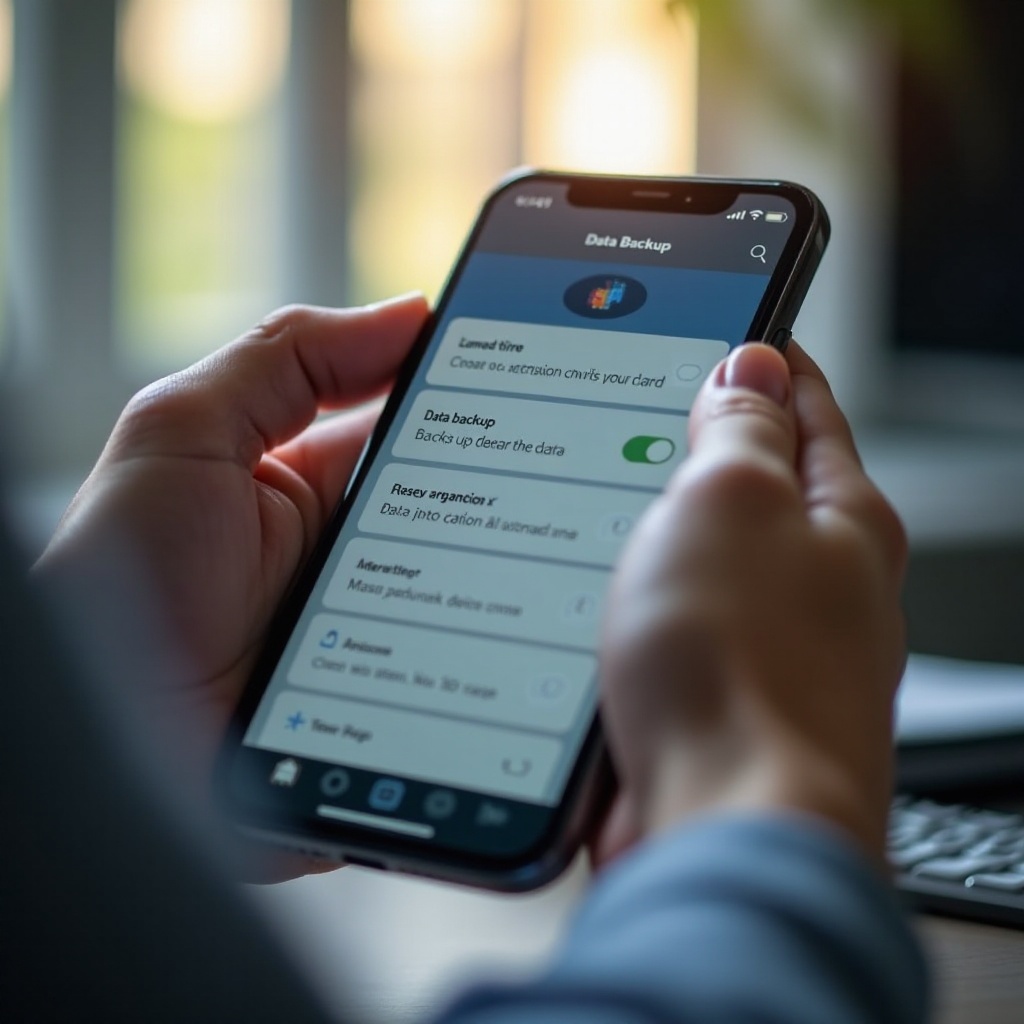
Understanding SIM Card Data
To effectively back up your SIM card, it’s essential to first comprehend the kind of data stored and why it’s vital to protect it.
What is a SIM card, and what data does it store?
A SIM card, or Subscriber Identity Module, is more than just a link to cellular networks. It stores key data necessary for communication, such as:
- Contacts
- Text messages
- Certain carrier-specific settings
Recognizing the type of data contained on a SIM card underscores the importance of routine backups to prevent accidental loss.
Why is backing up SIM data important?
Failing to back up SIM data can result in:
- Losing vital contacts and messages
- Facing challenges when transferring data to a new device
- Experiencing unnecessary downtime and inconvenience
Regular backups ensure you have uninterrupted access to important information, facilitating smooth transitions between devices or following memory resets.
Preparing for SIM Card Backup
Before starting the SIM card backup process, you need to prepare with the right tools and take necessary precautions.
Identifying required tools and software
Get ready by gathering the required items:
- A smartphone or a compatible device for SIM card backup.
- Reliable software or applications designed to perform the backup.
- Optionally, a SIM card reader if applicable.
Precautions to take before starting the backup process
Ensure the safety and success of your backup by following these steps:
- Fully charge your phone or device, or have it plugged into a power source.
- Disconnect from unstable Wi-Fi to avoid interruptions, or stick to cellular data.
- Confirm you have adequate storage space in your backup location, whether cloud or local storage.
Methods to Back Up SIM Card Data
With proper preparation, you can now explore various methods for backing up SIM card data, tailored to different devices and needs.
Using built-in phone features for SIM backup
Leverage your phone’s built-in capabilities:
- Android Devices: Head to Contacts > Settings > Import/Export > Export to SIM. Simply follow the displayed directions.
- iOS Devices: Sync your contacts to iCloud, automatically securing your SIM data.
Best third-party apps for backing up SIM data
Various apps can assist in backing up SIM data, each with its own features:
- G Cloud Backup: Compatible with Android, this app facilitates cloud backups.
- My Contacts Backup: Allows iPhone users to export contacts directly to email.
Manual backup: Pros and cons
While manually backing up can be more labor-intensive, it offers certain advantages:
Pros:
– Complete control over data selection.
– Works offline, reducing dependence on an internet connection.
Cons:
– Susceptible to human error.
– Time-consuming, particularly with large data volumes.
Troubleshooting Common SIM Backup Issues
Problems can arise during the backup process. Identifying and addressing potential issues ensures a seamless backup experience.
What to do if your backup fails
If you encounter a backup failure:
- Check for sufficient storage space.
- Restart your device and attempt the backup again.
- Ensure your app and operating system are up to date.
Verifying data integrity post-backup
After completing your backup, verify data integrity by:
- Cross-referencing if all contacts and messages are intact.
- Confirming data is accessible from your cloud or local storage.

Securing Your SIM Card Data After Backup
Once you have a complete backup, secure your data to prevent unauthorized access or accidental loss.
Importance of securing backed-up data
Securely storing backed-up data is critical in protecting sensitive information from potential breaches or unintended deletion.
Recommended practices for data encryption
Consider these best practices to enhance data security:
- Encrypt data before uploading to cloud services.
- Use strong, unique passwords for online storage accounts or devices where backups are stored.
- Regularly update software and firmware to mitigate vulnerabilities.

Conclusion
Backing up SIM card data is an integral aspect of managing your personal information. By following the above guidelines, you can ensure your data is secure and easily accessible. Consistent backups not only protect against data loss but also promote a hassle-free transition between devices.
Frequently Asked Questions
How frequently should I back up my SIM card data?
Regular backups are recommended weekly or monthly, depending on the importance of the data.
Can I recover deleted SIM data if I forgot to back it up?
Without a prior backup, options are limited. Professional data recovery services might help.
What should I do if my SIM card is damaged and I can’t back up data?
Consult your mobile carrier for possible recovery solutions or use a SIM card reader if available.