Xbox Overheating Fix: A Comprehensive Guide for 2024
Introduction
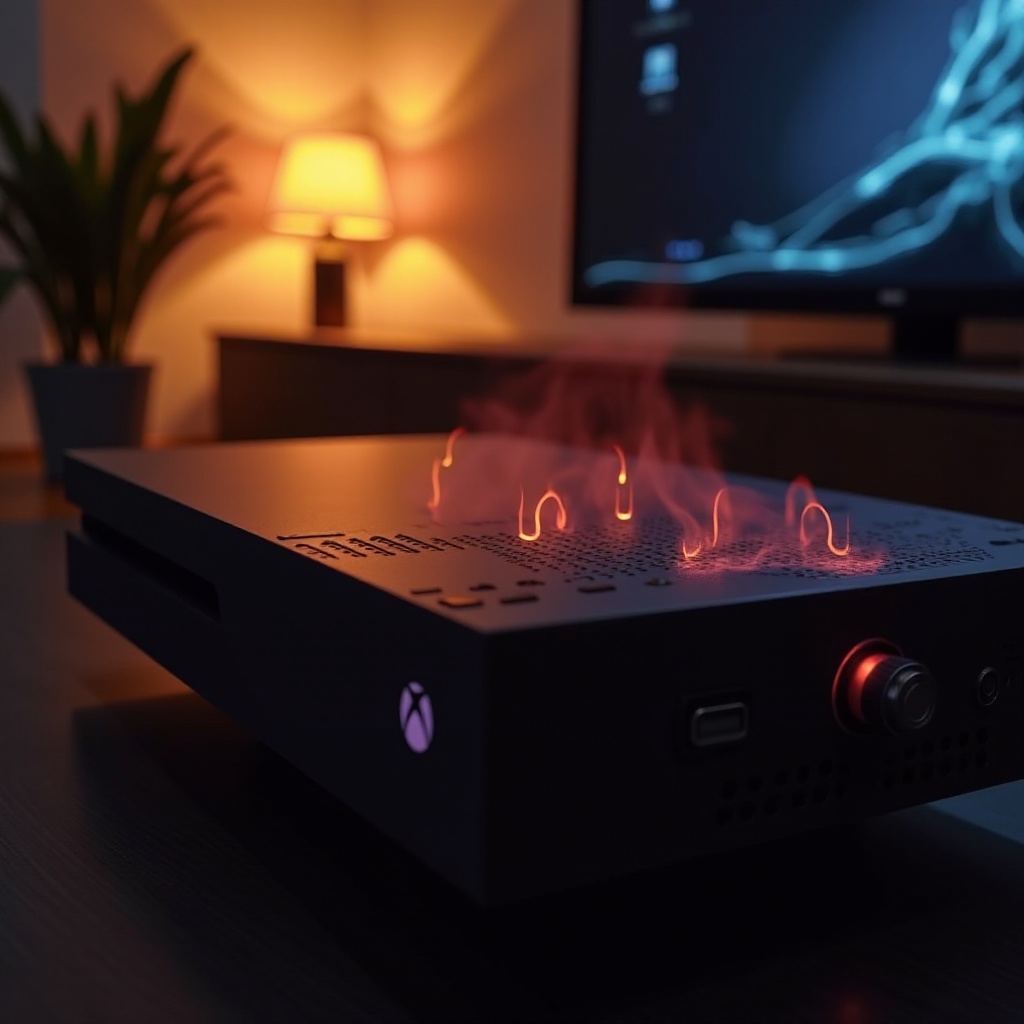
The Xbox console is a source of endless entertainment, but overheating can interrupt your gaming. An overheating Xbox can lead to performance issues, crashes, and even permanent damage if not resolved promptly. This guide provides effective strategies to keep your Xbox cool, ensuring smooth gameplay and prolonging the console’s life.

Understanding Xbox Overheating
Overheating in Xbox consoles is not uncommon. Identifying causes and impacts is key to addressing the issue effectively.
Common Causes of Overheating
Various factors can cause your Xbox to overheat, including:
- Poor Ventilation: If your Xbox is in a confined space, lack of airflow can cause it to overheat.
- Dust Accumulation: Dust build-up blocks console vents, restricting air circulation and causing heat to build up.
- Extended Use: Intense gaming sessions over long periods naturally heat up the device.
Recognizing these factors helps in making adjustments to your setup to mitigate overheating risks.
Effects on Console Performance
Overheating affects Xbox performance as follows:
- Gameplay Interruptions: Expect stuttering and lag, which make gaming frustrating.
- Unexpected Crashes: The console may shut down suddenly during gameplay.
Dealing with overheating early can prevent these performance issues and restore your console’s function.
Immediate Solutions to Cool Down Your Xbox
If your Xbox starts to overheat, consider these quick fixes:
Turning Off and Unplugging the Console
- Power Down: Immediately turn off the console to stop the heating process.
- Unplug it: By disconnecting the power, the Xbox cools down naturally.
These actions allow your Xbox’s internal temp to return to safe levels.
Relocating to a Cooler Spot
- Move your Xbox: Place it in a well-ventilated area.
- Keep it in the shade: Avoid placing it near windows or direct sunlight.
Improving the Xbox’s environment helps reduce heat and prevents further issues.
Long-term Strategies to Prevent Overheating
To prevent future occurrences, develop a strategy to maintain a consistently cool console:
Proper Placement and Ventilation
- Optimal Positioning: Position your Xbox horizontally on a stable surface.
- Ensure Space: Keep a few inches around the console for proper ventilation.
Maintaining good airflow around your console is vital for regulating its temperature.
Using Cooling Stands and Fans
- Invest in Cooling Accessories: Purchase cooling stands to specifically support Xbox units.
- Enhance Airflow: Use additional fans to improve circulation where the console is set up.
Complementary cooling aids help dissipate heat much more effectively than the console’s built-in fans.
Regular Cleaning and Maintenance
Routine maintenance keeps Xbox components in peak condition, reducing overheating risk.
Dust and Debris Removal
- Exterior Cleaning: Use a microfiber cloth to wipe down the console, ensuring vent cleanliness.
- Internal Cleaning: Utilize compressed air lightly to remove unseen dust from within the vents.
Keeping your console clean ensures it can ‘breathe’ properly.
Software Updates and System Check
- Keep Software Current: Regularly update your firmware to address any potential overheating problems.
- Conduct System Diagnostics: Frequent checks ensure the system itself is in top condition.
Updated software and a healthy system prevent operational strains that could lead to overheating.
When to Seek Professional Help
Persistent overheating sometimes requires professional servicing.
Identifying Serious Overheating Issues
You should consult an expert if:
- Persistent Overheating: Recurrent issues despite implementing preventive measures.
- Error Warnings: The console displays warnings or error messages associated with heat.
Expert diagnosis can pinpoint and resolve deep-rooted problems effectively.
Finding Certified Repair Services
- Look for Certified Help: Research reputable Xbox service centers nearby.
- Read Feedback: Check reviews to ensure service reliability.
Professionally servicing ensures precise and effective repairs, preserving your Xbox for the long term.
Conclusion
Understanding Xbox overheating helps you enjoy gaming without interruption. Implementing these cooling tips reduces overheating potential and extends your console’s lifespan. Consistent maintenance, strategic placement, and knowing when to get professional help will ensure your Xbox remains in excellent condition.
Frequently Asked Questions
How can I tell if my Xbox is overheating?
Signs of overheating include loud fan noise, excessive heat from vents, lag, or unexpected shutdowns.
Are aftermarket cooling systems effective for Xbox?
Yes, aftermarket cooling systems like stands and fans can enhance airflow, reducing heat build-up.
Can overheating damage my Xbox permanently?
Chronic overheating can cause hardware damage and reduced performance, making timely solutions essential.